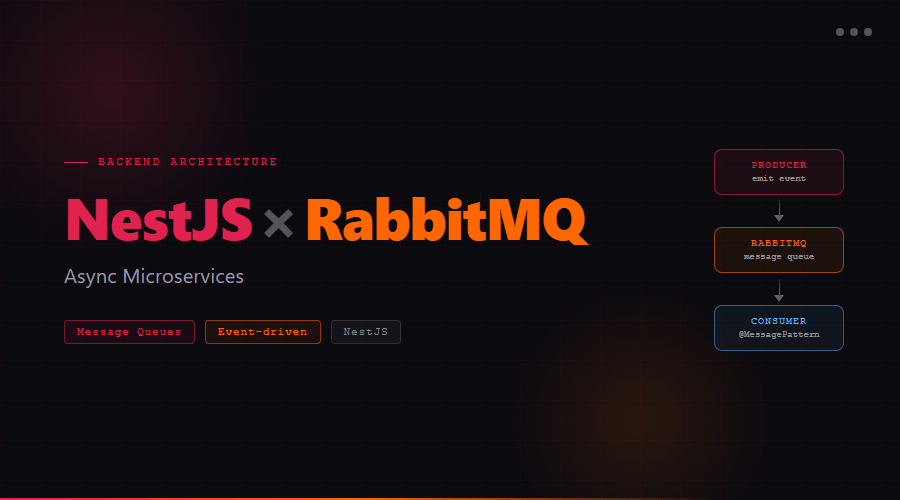
Building async microservices with NestJS and RabbitMQ
Why async messaging?
When you're building a platform where multiple services need to talk to each other — say, a freight management system where a load-matching service, a notification service, and an invoicing service all need to react to the same event — synchronous REST calls between services create tight coupling and cascading failures.
If the invoicing service is slow, the load-matching service has to wait. If the notification service is down, the whole request fails.
RabbitMQ solves this by acting as a message broker. Services publish events to a queue and move on. Downstream services consume those messages independently, at their own pace.
NestJS gives you two decorators depending on whether you need a reply:
// Request/Reply — caller waits for a response@MessagePattern('get_load_details')async getLoad(data: { loadId: string }) { return this.loadsService.findById(data.loadId);}// Fire-and-forget — publish and move on@EventPattern('load_assigned')async handleLoadAssigned(data: LoadAssignedEvent) { await this.notificationService.notifyCarrier(data); await this.invoiceService.createDraft(data);}
Use @MessagePattern when the publisher needs data back. Use @EventPattern for side effects that don't block the flow.
Configuring prefetch to avoid worker starvation
By default, RabbitMQ will push all queued messages to the first available consumer. If you have 3 worker instances and one is slow, it'll pile up all messages on that one worker.
Fix it with prefetchCount:
queueOptions: { durable: true,},prefetchCount: 1, // each worker takes one message at a time
This ensures round-robin distribution across your scaled instances.
Dead letter exchanges for failed messages
Don't let failed messages disappear silently. Set up a dead letter exchange (DLX) to capture them: